
Swipe stories
A carousel with no seams.
A swipe story is one picture drawn across seven slides. Add your photos and every seam is already lined up, so the picture carries on across every swipe.
01Swipe one
Four of them, ready to swipe.
Swipe, drag or use the arrows. It moves one slide at a time, the way a carousel does on Instagram.

Seven slides, one picture

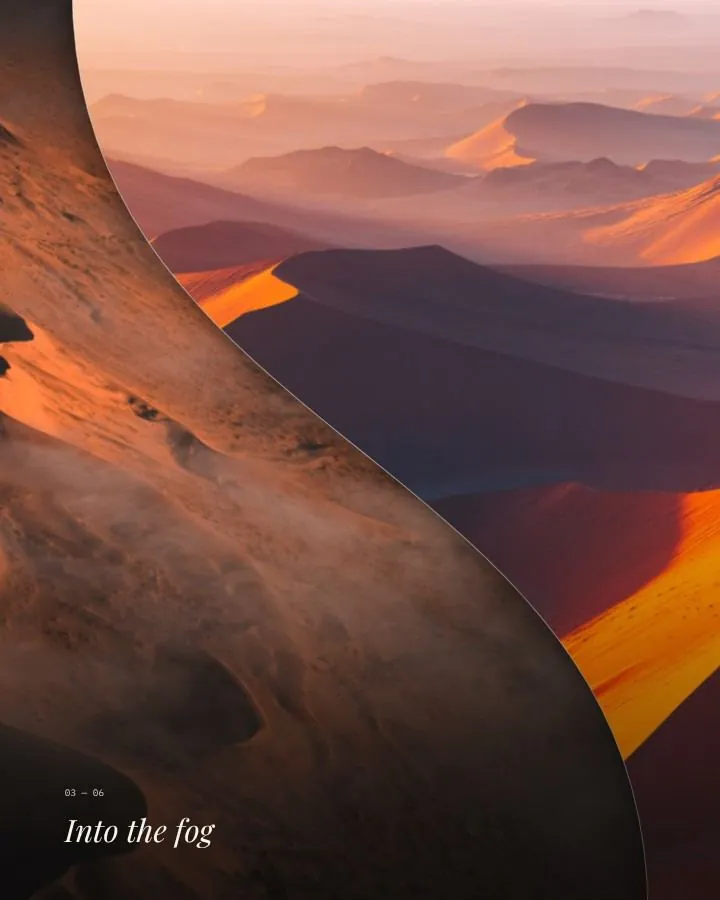
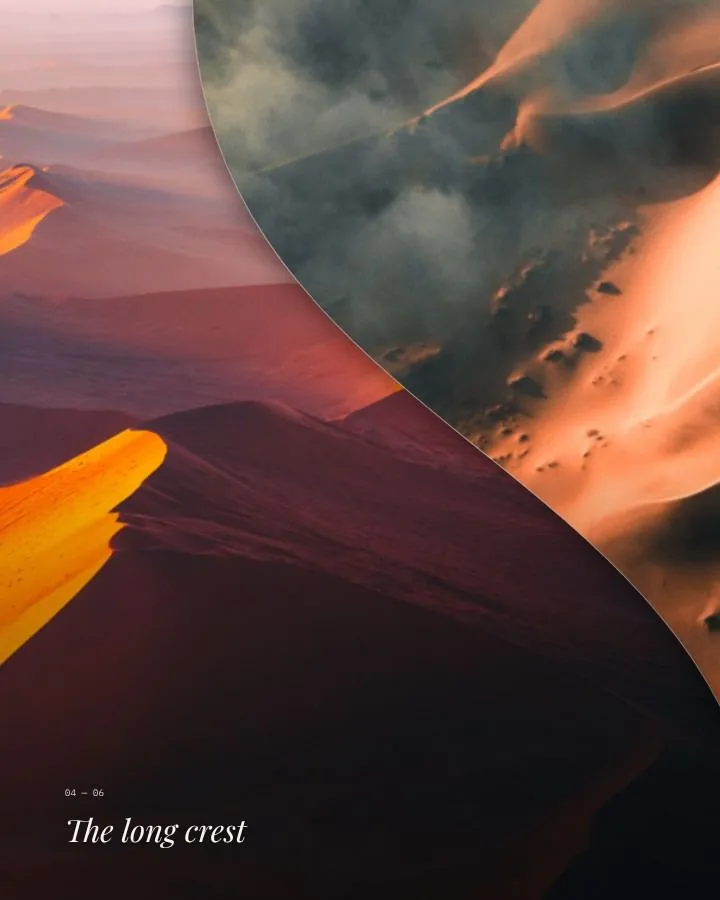
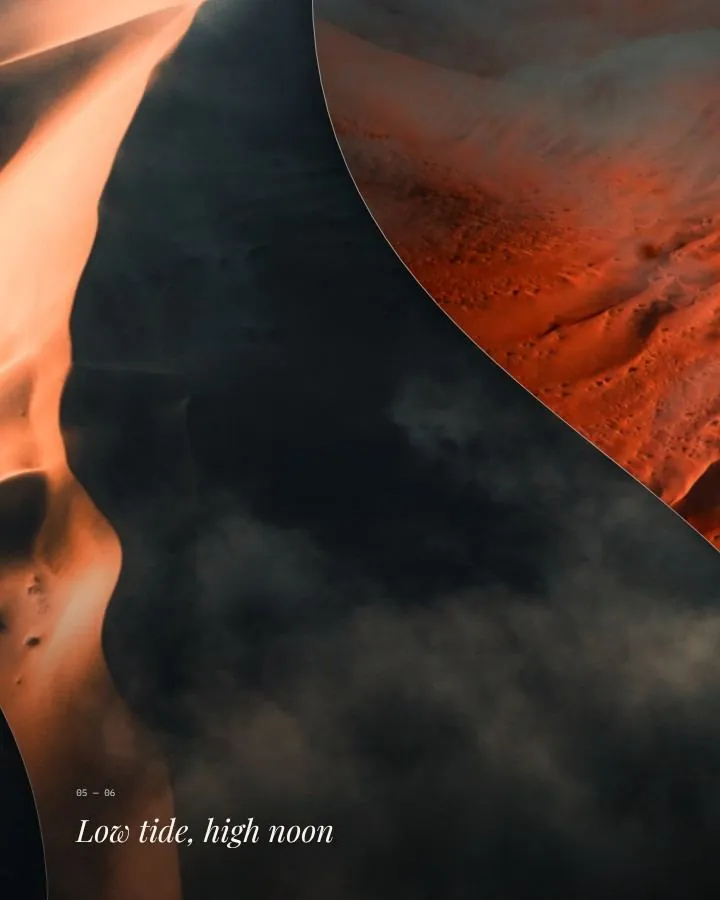
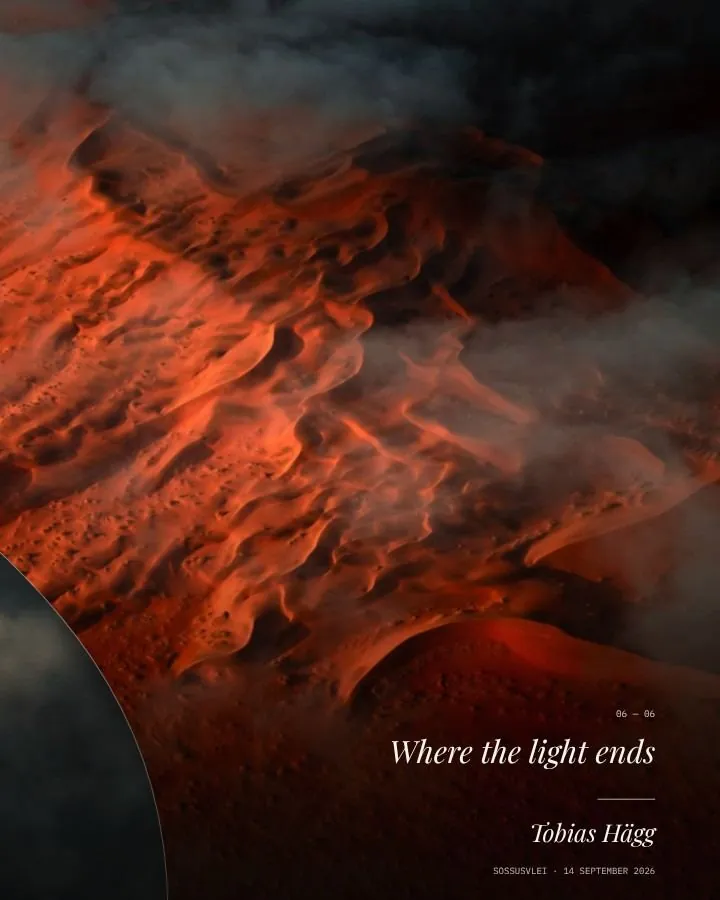
Seven slides, one picture
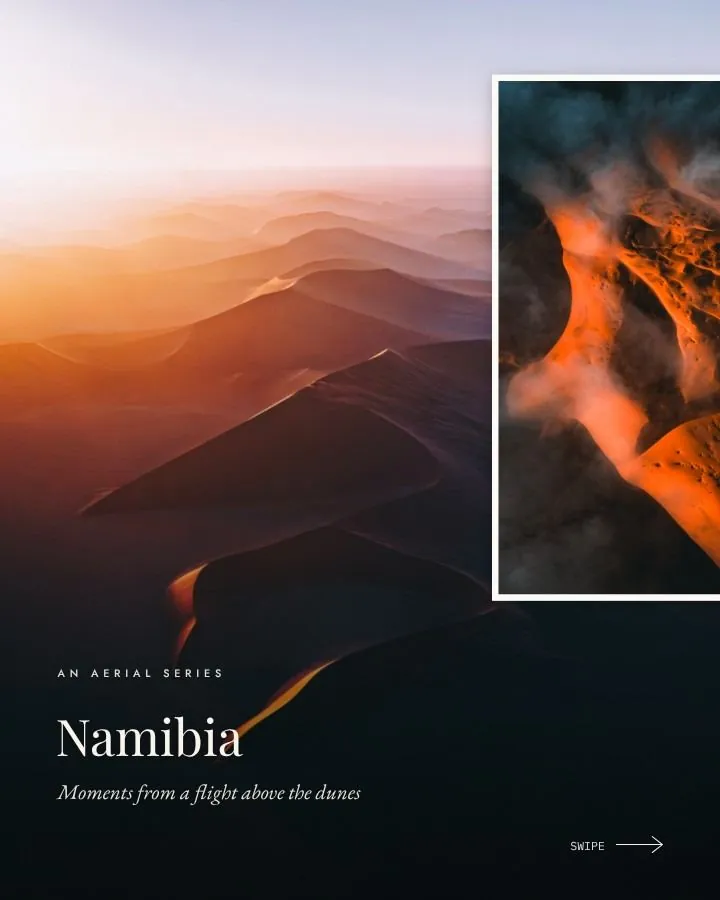
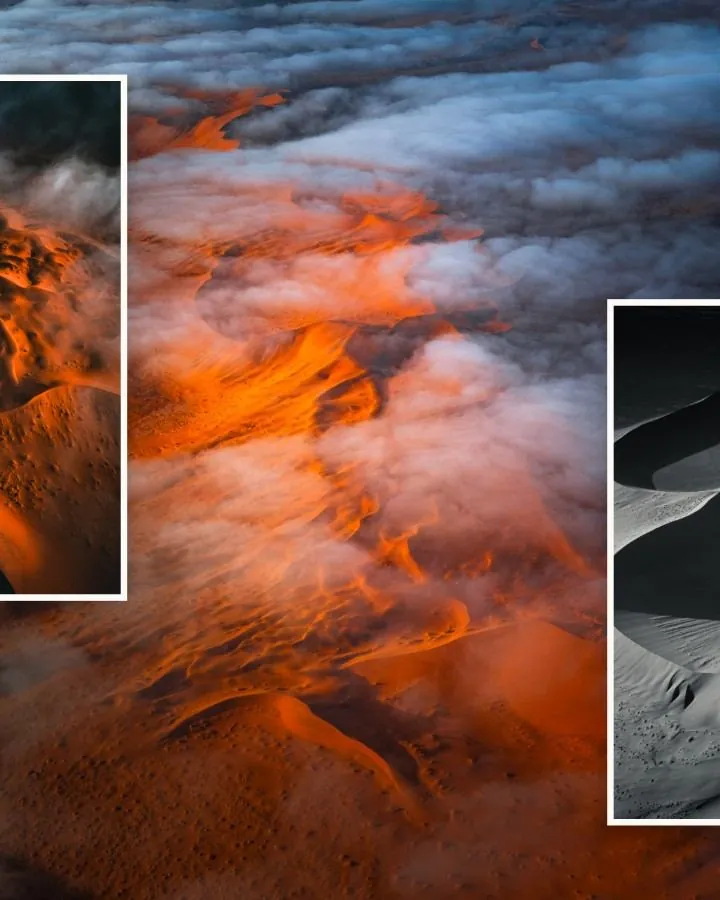
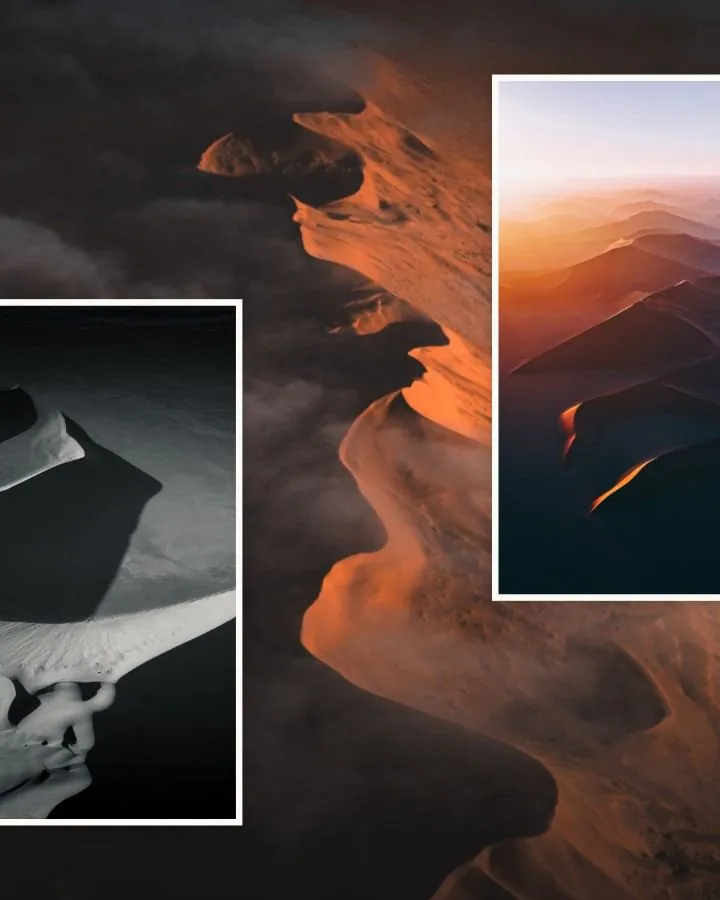
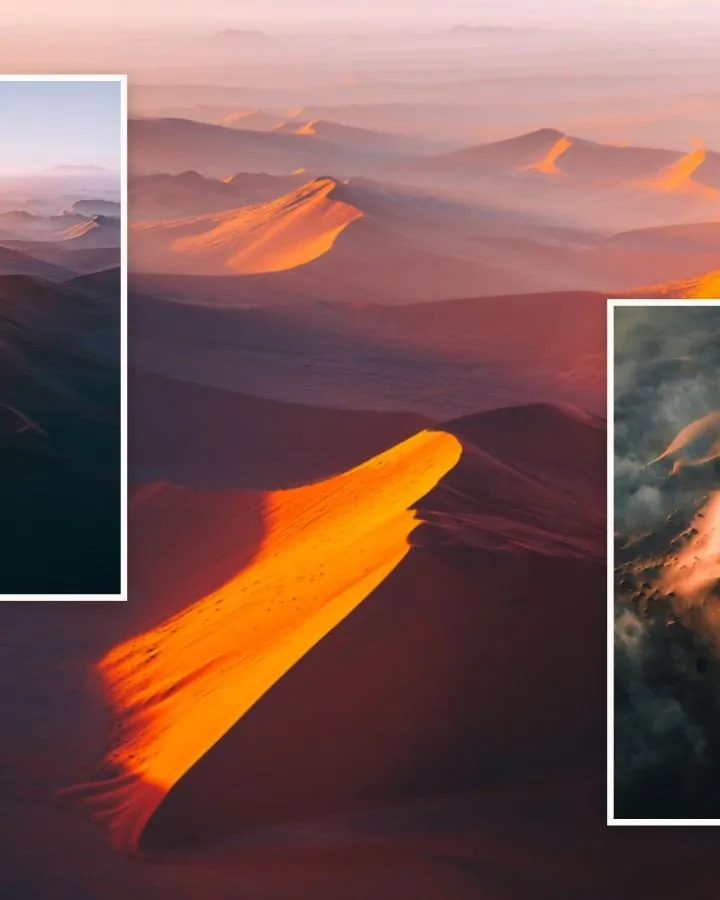
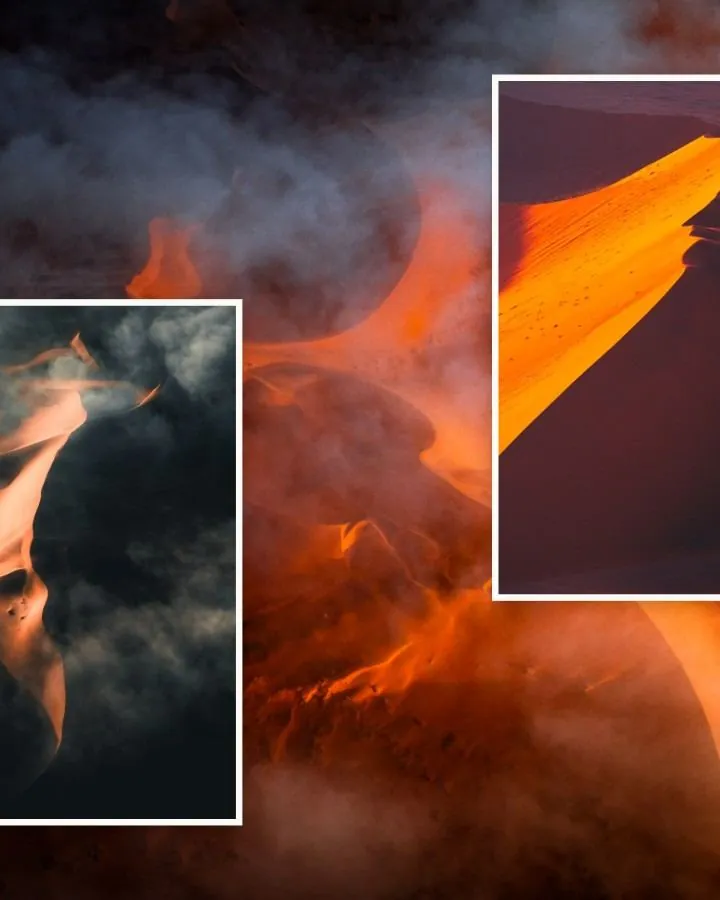
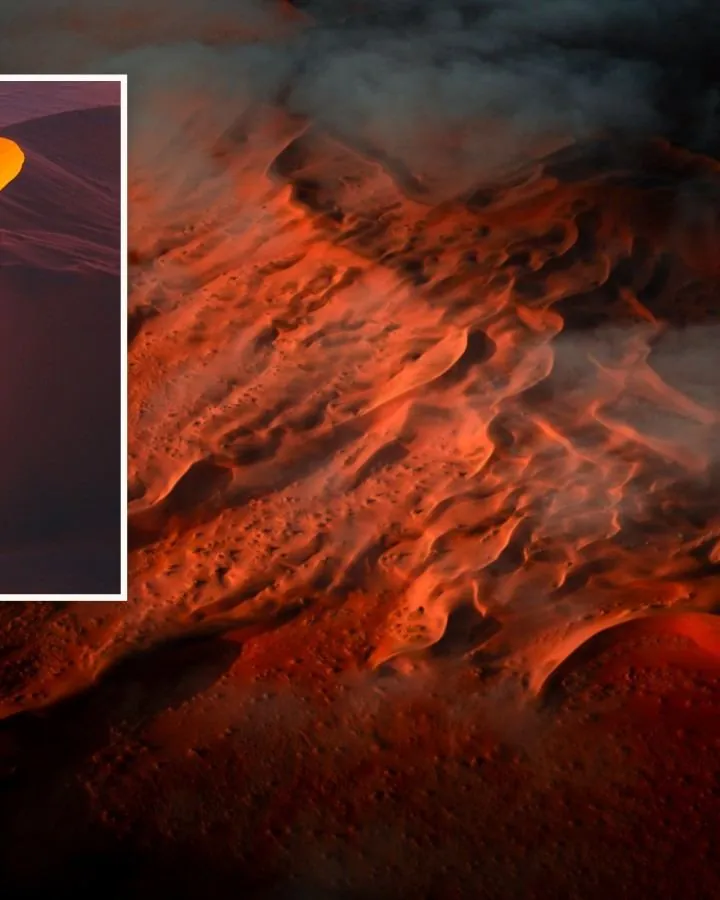
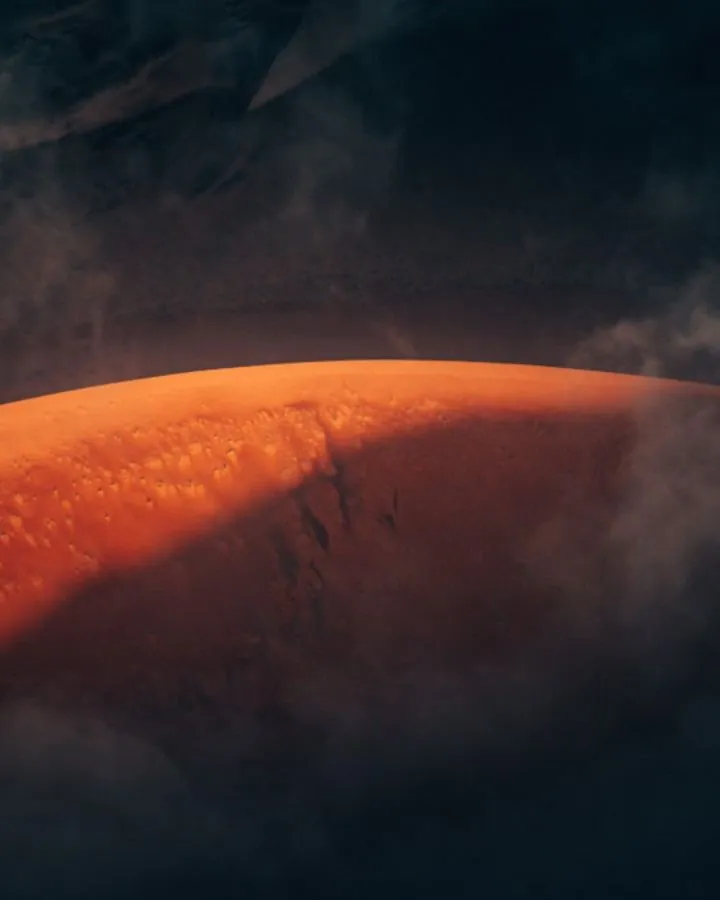
Seven slides, one picture

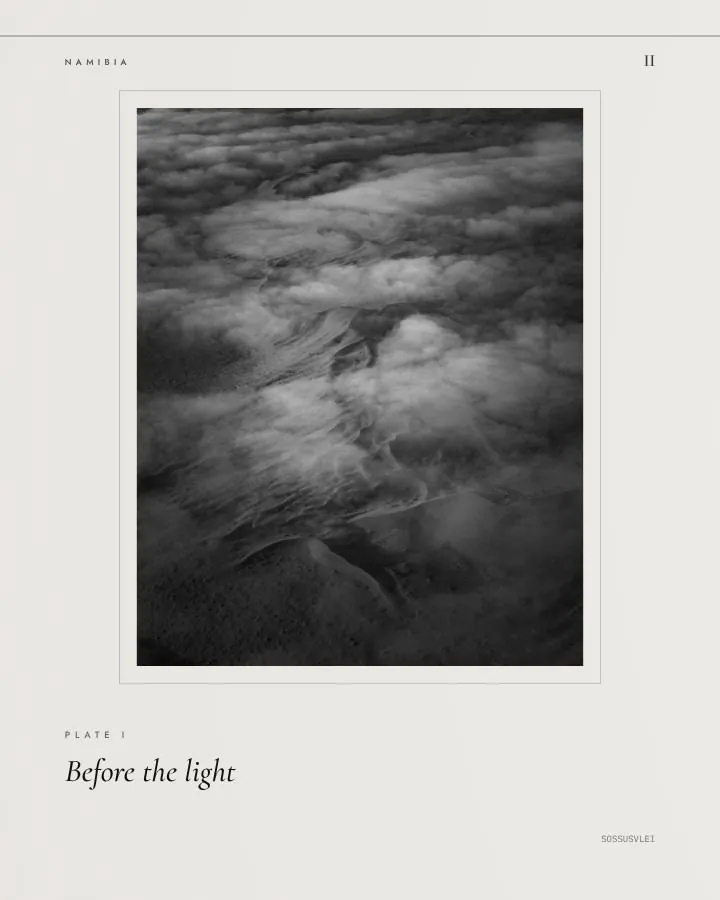

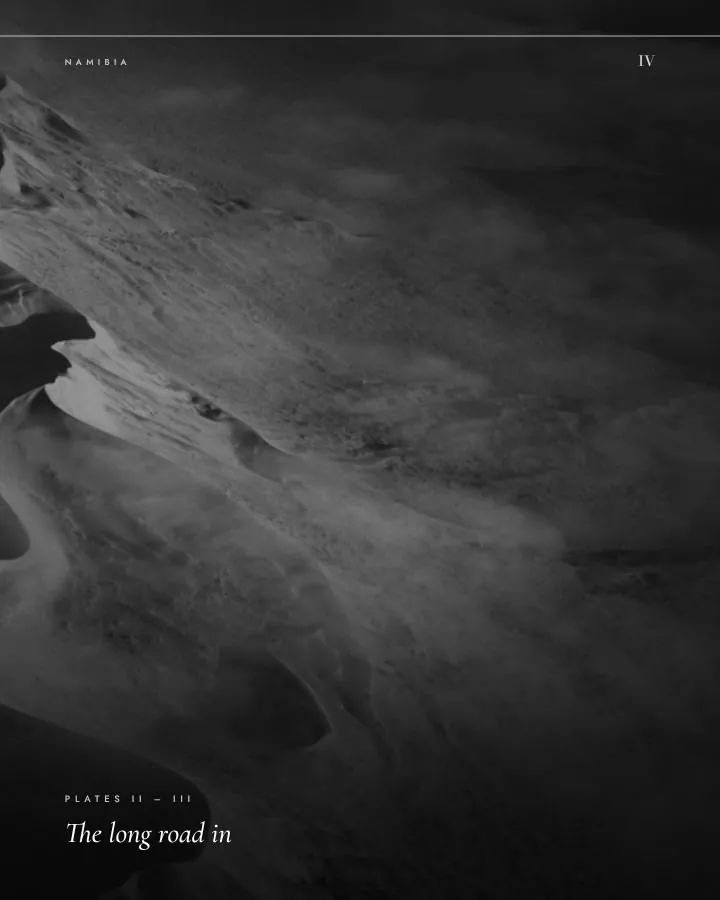
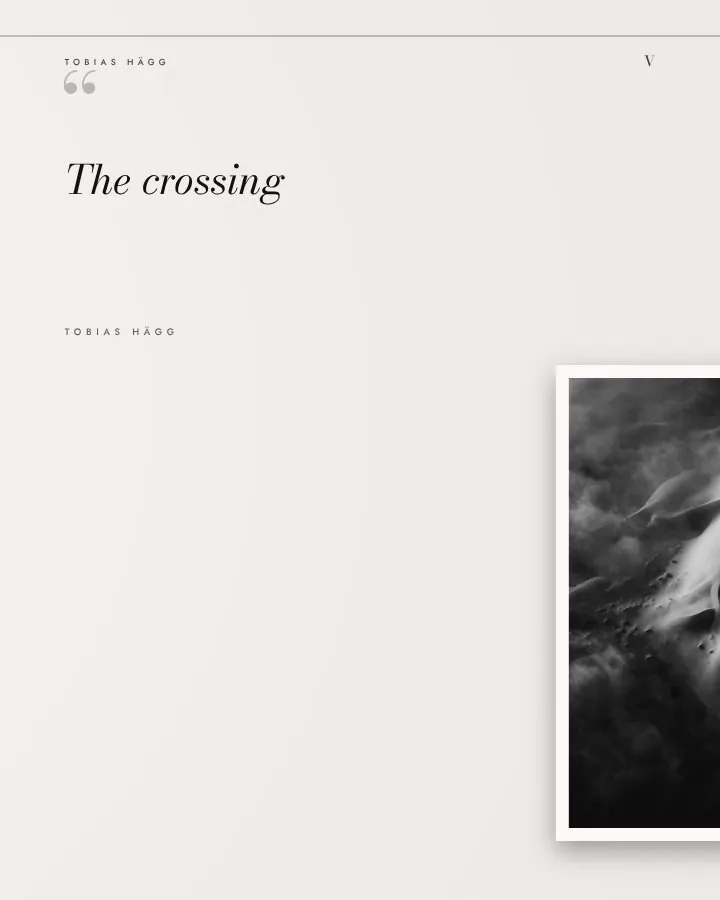
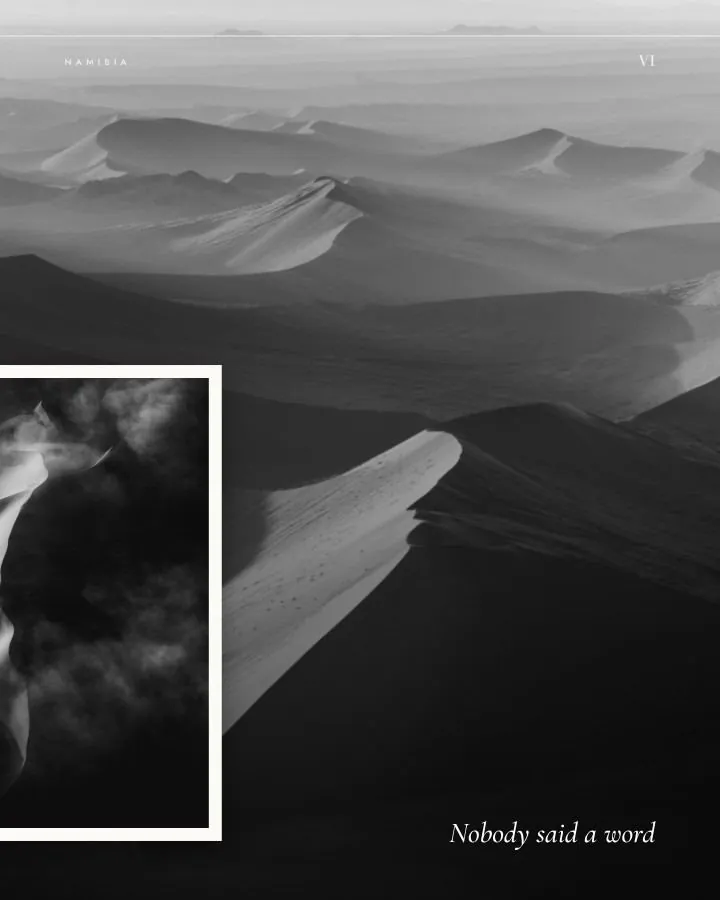
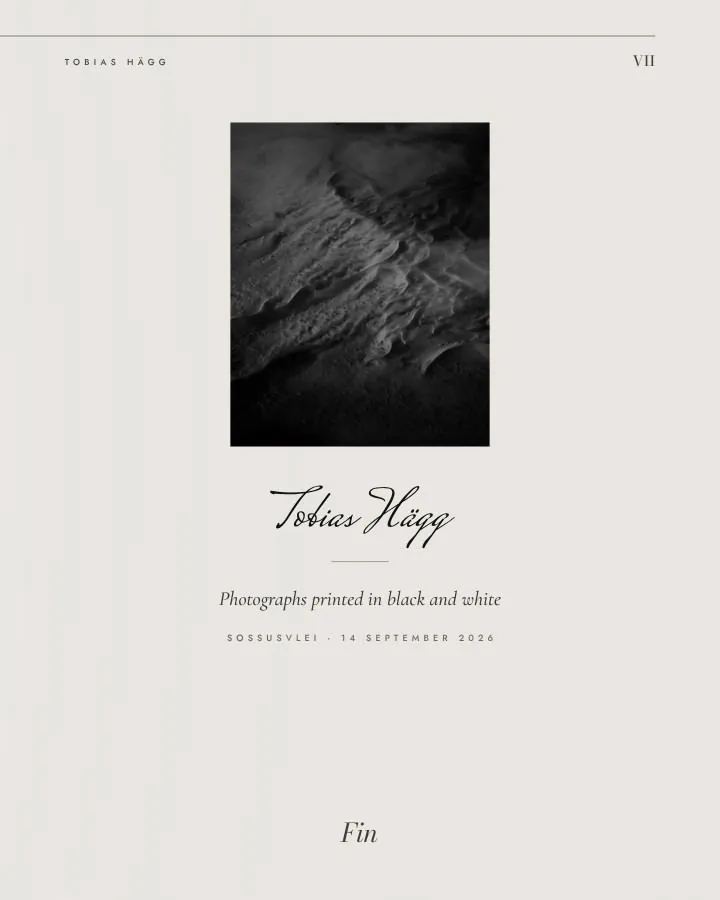
Seven slides, one picture
Slide 01of 07
02How it works
From camera roll to carousel.
- 01Add your photos
Up to 24 at once. Each story takes five to twelve of them.
- 02Make it yours
Swap, move and zoom the photos. Rewrite, move or resize any line.
- 03Post all seven
Save, and you get seven images numbered in order. In Instagram, start a new post and choose all seven in that order.
03All fourteen
Fourteen ways across the seam.
Each story carries the picture from one slide to the next in its own way. Seamless is free for everyone, and the other thirteen come with Karusell Pro.
- 01
Feature Film
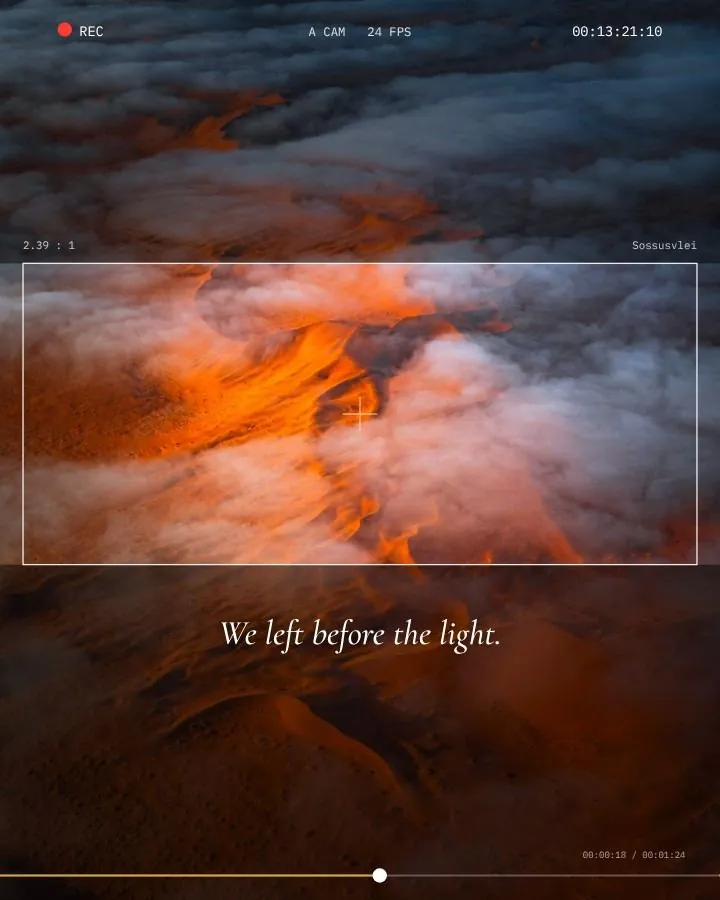
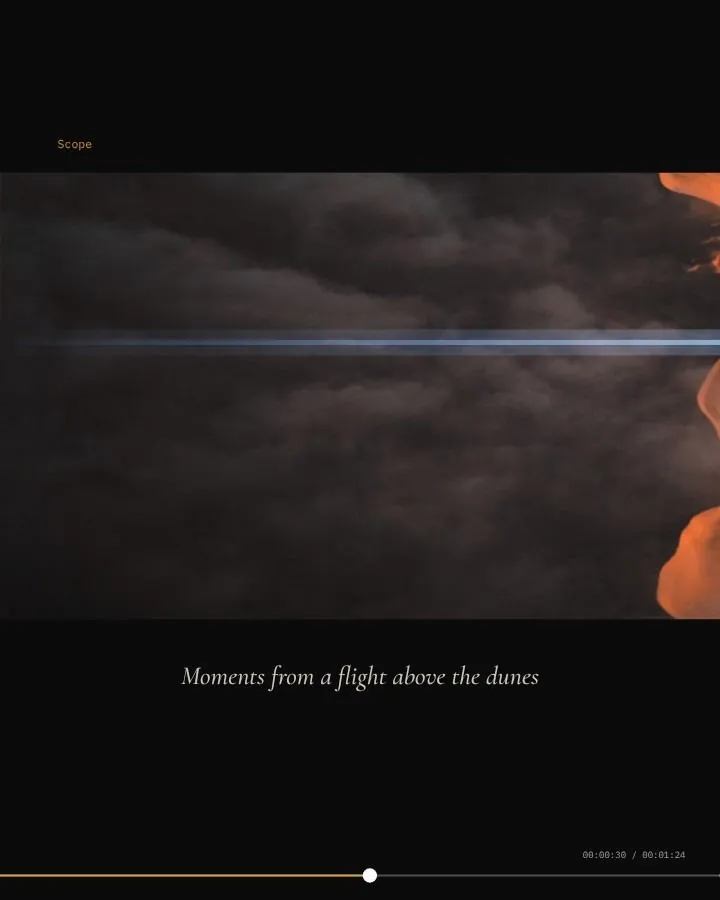
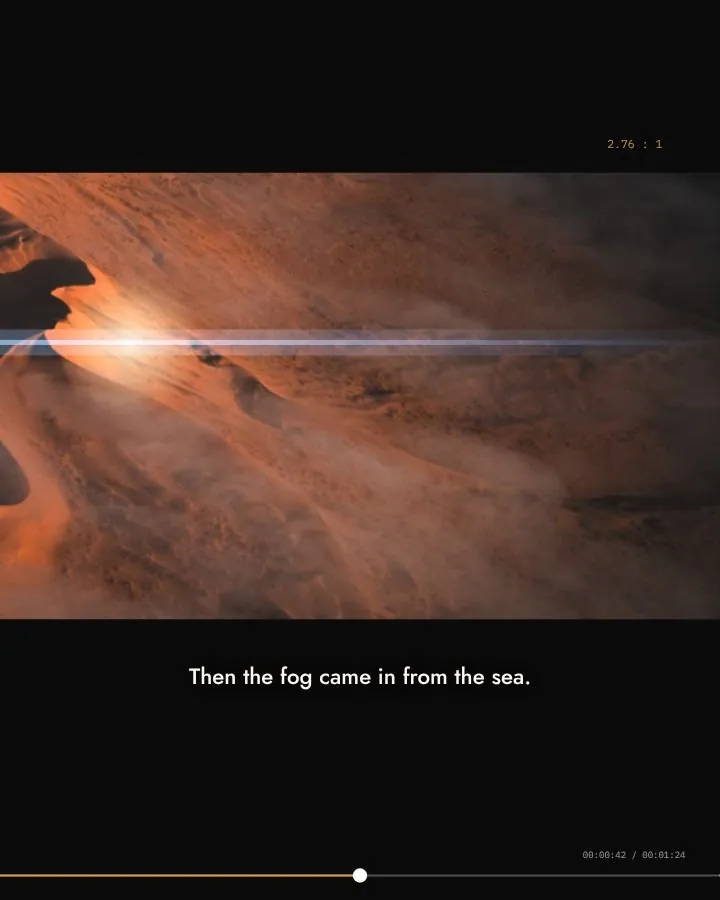
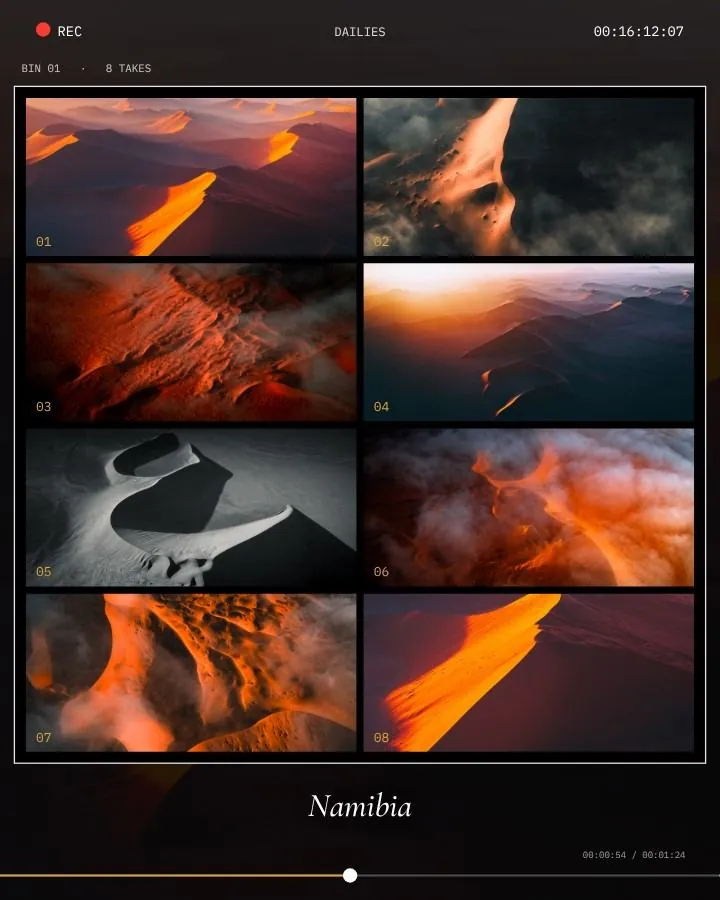
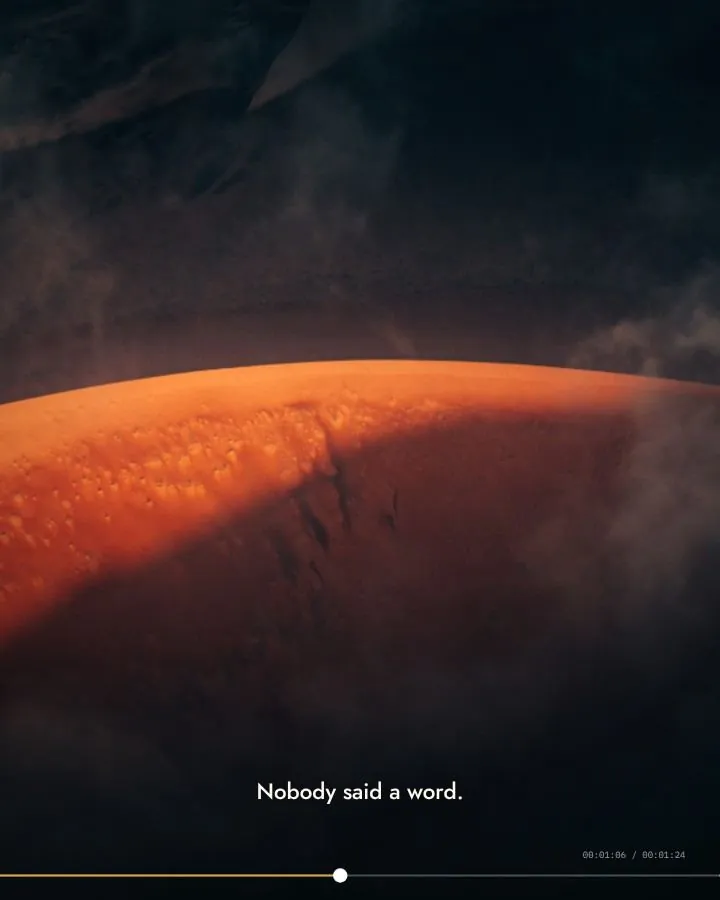
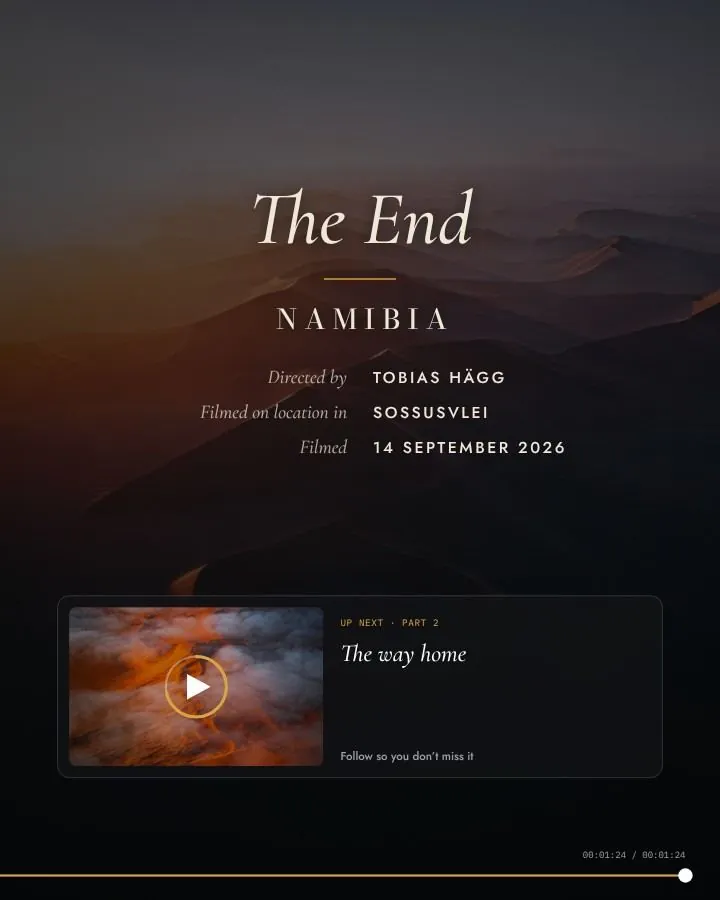
12 photosA short film cut into seven slides: the title card, the director’s monitor, a scope shot so wide it runs across two slides with a lens flare over the seam, the dailies and the end screen.
- 02
Seamless
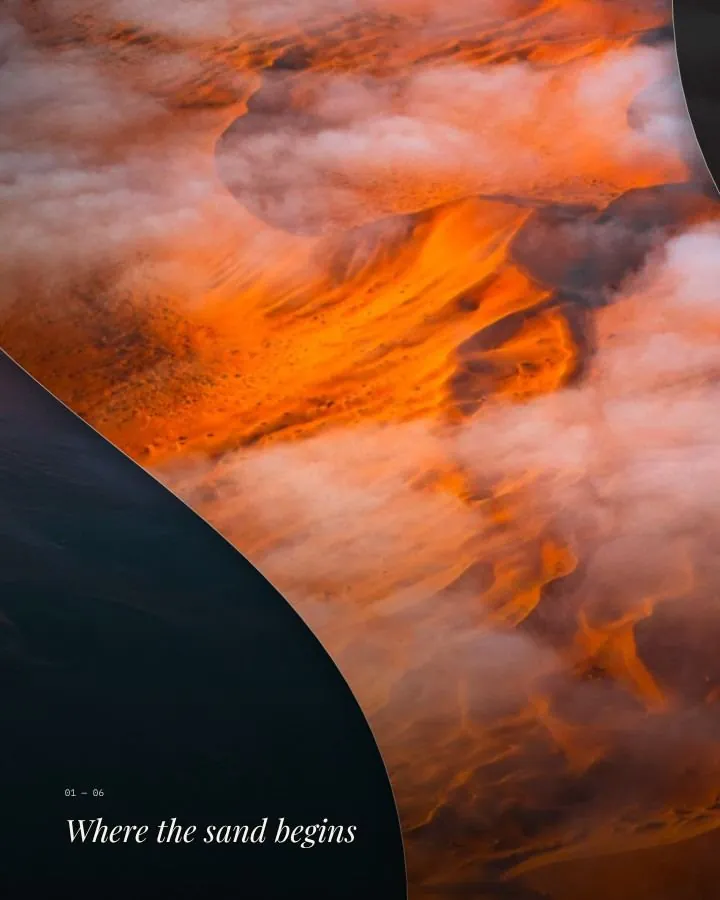
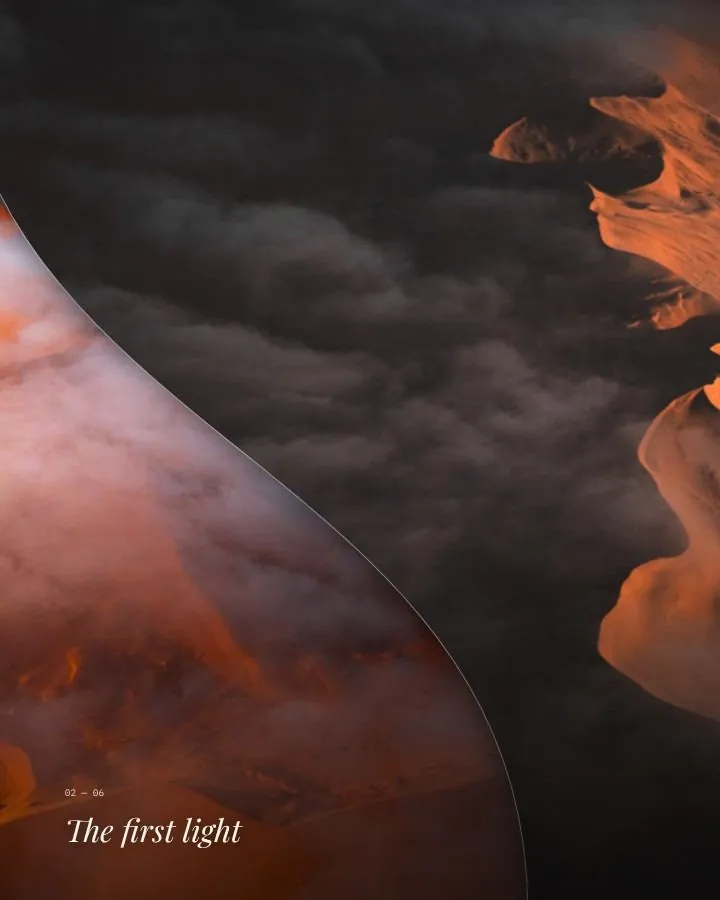
12 photos · FreeA photograph on every slide, stitched together by white-bordered prints that sit half on one slide and half on the next.
- 03
Caption Cards
12 photosA photograph on every slide. Paper cards with a photograph and a caption bridge the seams, so the words travel with the swipe.
- 04
Instant Film
12 photosInstant prints across five of the seams, each a little turned and taped, captioned by hand in the wide white border.
- 05
Next Frame
7 photosThe photographs run a fifth of a slide ahead, so every slide ends on a slice of the next one, numbered like a tab.
- 06
Mosaic
12 photosOne long grid of photographs, large and small, across all seven slides. No cell ends on a seam.
- 07
In Black & White
6 photosA black-and-white monograph in seven pages, with a photograph wide enough to fill a double-page spread.
- 08
Behind the Shot
5 photosThe making of one photograph: a pin where you stood, the plan on a notebook page taped across a seam, and arrows drawn by hand.
- 09
One Day, in Cards
12 photosThe day as a row of photo cards along one timeline, in colour over the day’s photographs in black and white.
- 10
Tidelines
6 photosSix photographs edge to edge, each meeting the next on a long S-curve that crosses a seam.
- 11
The Gallery
8 photosAn exhibition on one long wall: eight works in slim black frames, each in its own pool of light, some hung across the seams.
- 12
One Day
7 photosThe day told by the clock: one timeline through all seven slides, and the time between two photographs on the seam between them.
- 13
The Spread
6 photosA magazine feature in three double-page spreads, with the headline across the first fold and prints bridging the page turns.
- 14
Cinematic
6 photosA short film in a tall cinematic band. Each scene sits on a seam, so every swipe cuts mid-scene, with subtitles and timecodes.
Try every one with your own photos before you buy.
04Questions
Before you post.
Which one is free?
Seamless is free for everyone, with a small “Made with Karusell” on what you save. The other thirteen come with Karusell Pro, and you can try each one with your own photos before you buy.
How many photos does a story need?
Between five and twelve, depending on the story. A project holds up to 24, and you choose which photo goes where.
Can I change the words?
Yes. Rewrite, move or resize any line, add your own words, or switch a line off.
Does it work on my phone?
Yes. Get Karusell from the App Store or Google Play. On a computer, it runs in your browser at studio.karusell.app.