
Brand kit
Every design, in your brand.
Add your logo, fonts and colours once, and every design in Templates and Frame starts in your brand.
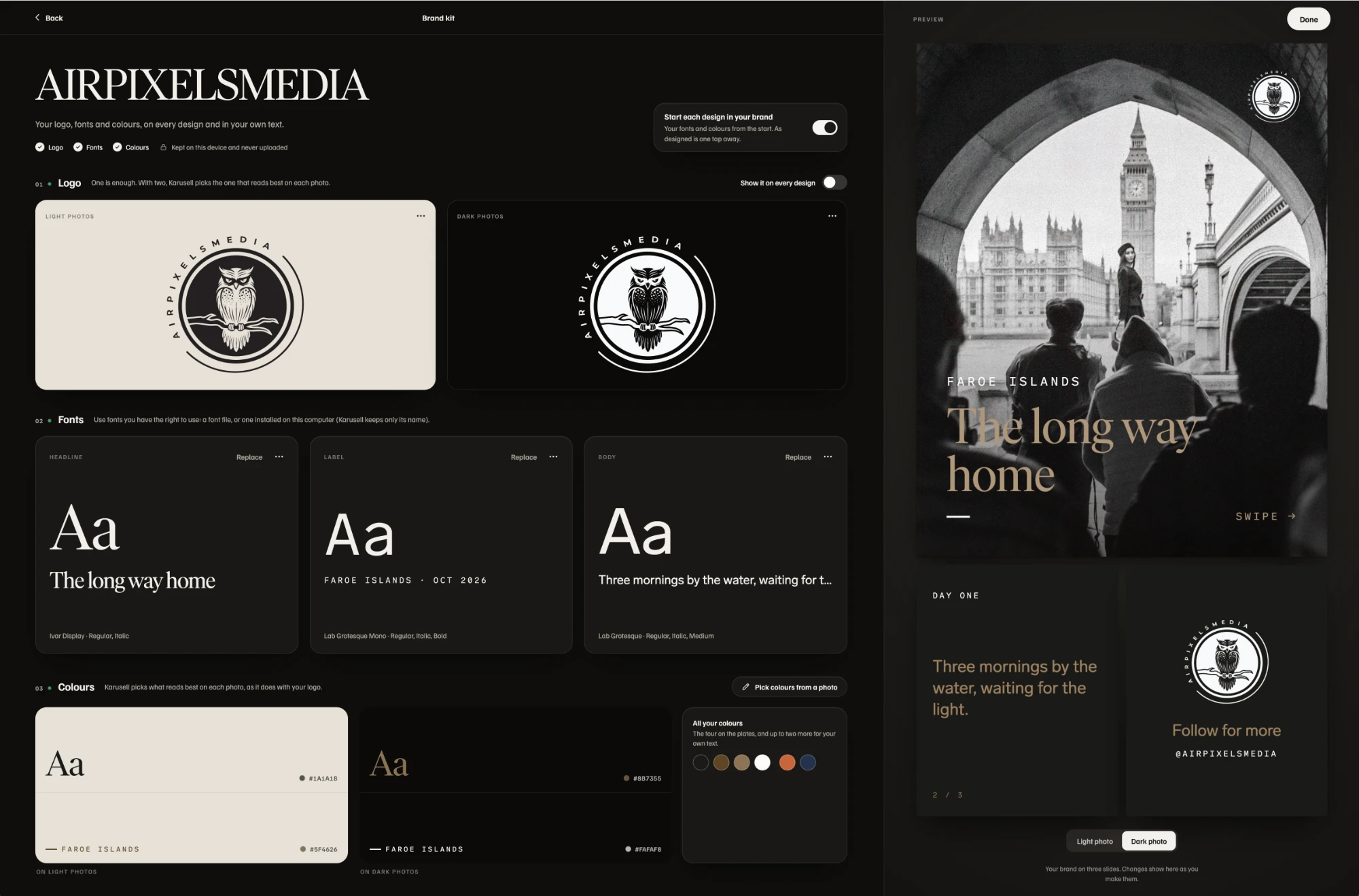
01What goes in it
Logo, fonts and colours.
Set them once. Karusell keeps them on this device and uses them in every design.
- 01Your logo
One version for light photos and one for dark. On every design, Karusell uses the one made for what lies beneath it. Place it, size it, or switch it off on any design.
- 02Your fonts
A Headline, a Label and a Body font, each with up to three styles. Use font files you have the right to use, or on a computer, a font installed there.
- 03Your colours
Text and accent colours for light photos and for dark ones, and up to two more. Pick them from a photo, and Karusell suggests a pair.
02In every design
Your brand, or as designed.
Every design starts in your brand, and one switch puts it back as designed. Your own lines can take any of your fonts and colours.
- Your brand, as a typefacebeside Karusell’s own, wherever you choose type
- Your colours, firstwherever you colour text
- Your logo, on every slidefrom the start, and off on any design you choose
- Kept on your device.
Your logo and font files stay on the phone or computer you add them on. Nothing is uploaded.
- Part of Karusell Pro.
€49 a year with 7 days free, or €99 once as a Founder. See pricing.
- Your own words are free.
Adding your own text in Karusell’s fonts is free for everyone.
03Questions
Before you set it up.
Which font files can I use?
A .ttf, .otf, .woff or .woff2 file for each kind of text, from fonts you have the right to use. On a computer you can also choose a font installed there; Karusell keeps only its name.
Does my Brand kit follow me to my other devices?
No. It stays on the device you made it on, like your projects. On another phone or computer, add your logo, fonts and colours there too.
Do I need Karusell Pro?
Yes, the Brand kit is part of Karusell Pro. Adding your own text in Karusell’s fonts is free for everyone.